Every year, online stores lose over $50 billion to abandoned shopping carts. Not because the products are bad — because the websites don't feel safe.
This course teaches you the psychology behind why people leave, the trust signals that make them stay, and how to turn your website into a place where visitors feel confident enough to buy.
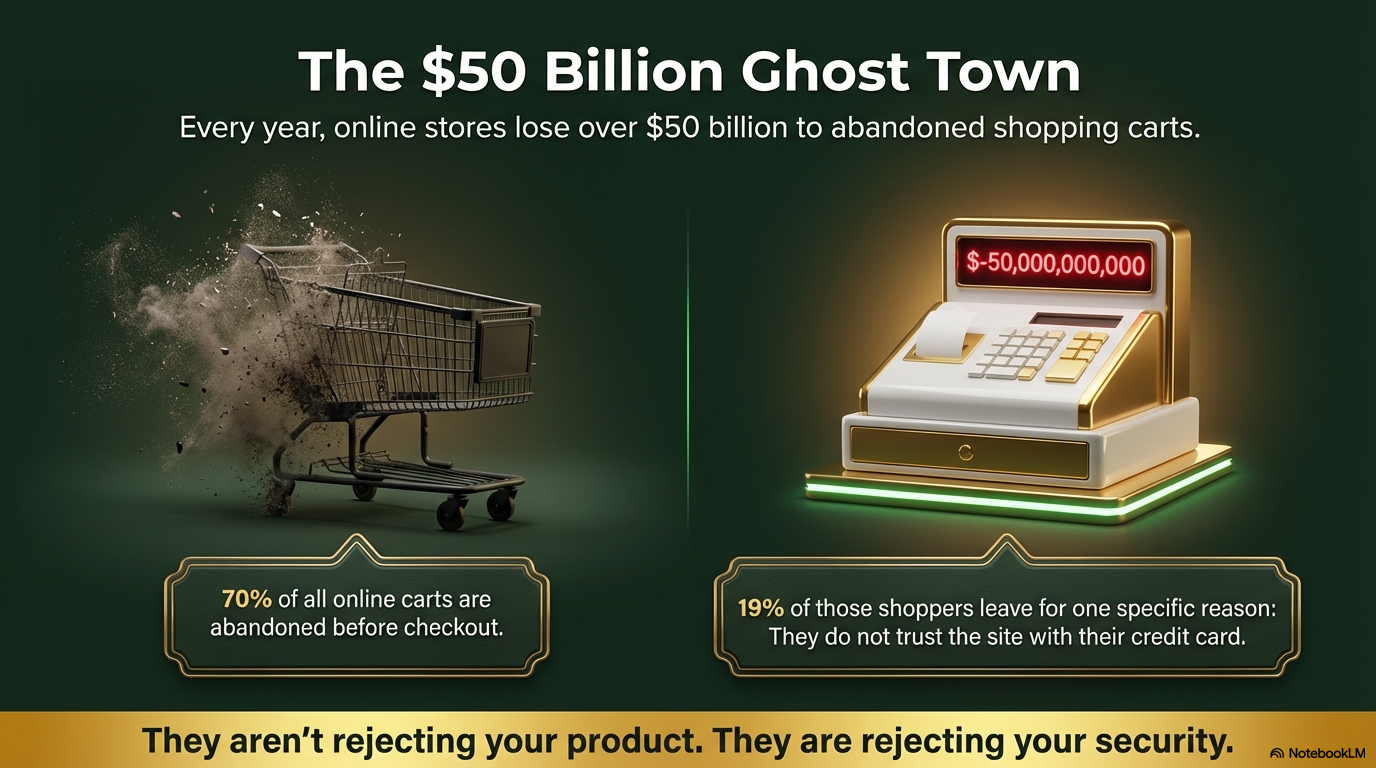
70% of all online carts are abandoned before checkout. That's 7 out of 10 people who wanted to buy — and walked away.
19% leave for one specific reason: they do not trust the site with their credit card.
They aren't rejecting your product. They are rejecting your security.
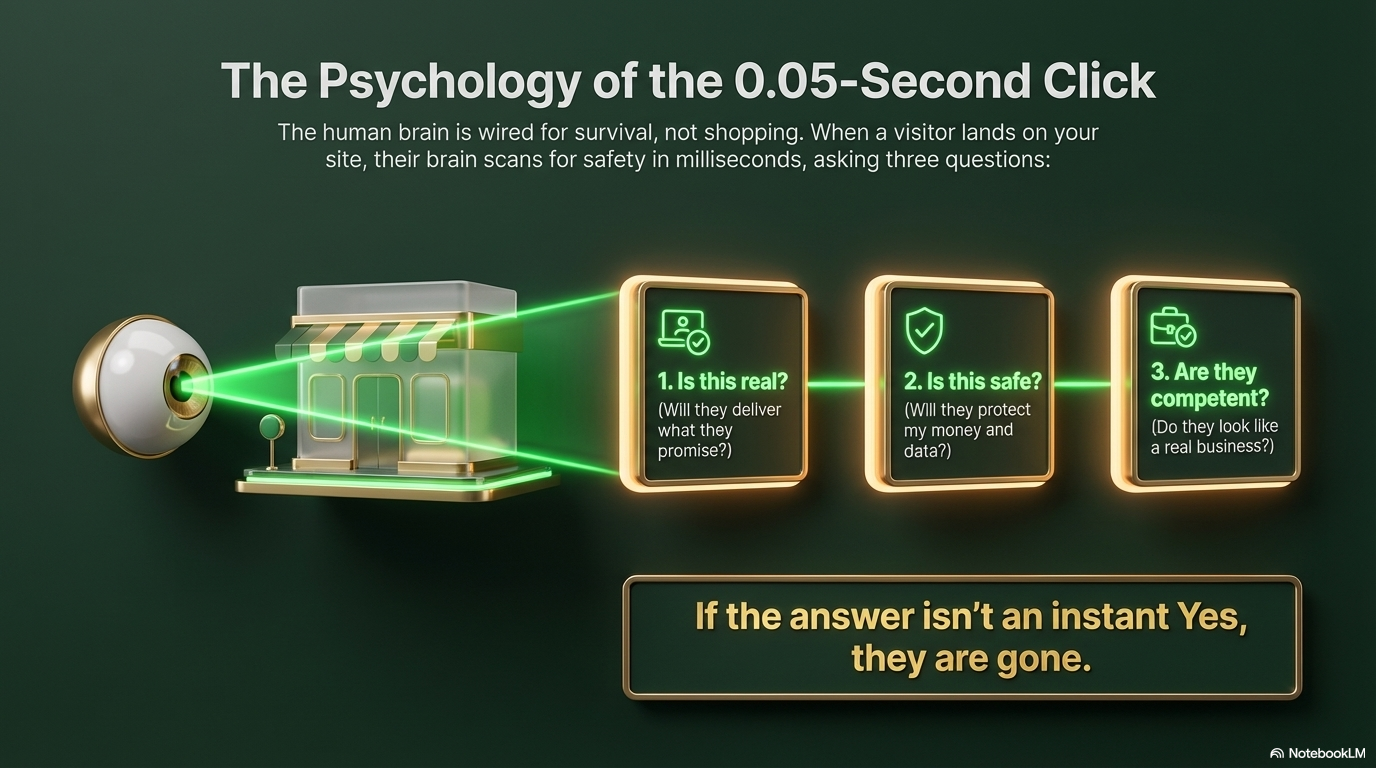
The human brain is wired for survival, not shopping. When a visitor lands on your site, their brain scans for safety in milliseconds, asking three questions:
1. Is this real? (Will they deliver what they promise?)
2. Is this safe? (Will they protect my money and data?)
3. Are they competent? (Do they look like a real business?)
If the answer isn't an instant Yes, they are gone.
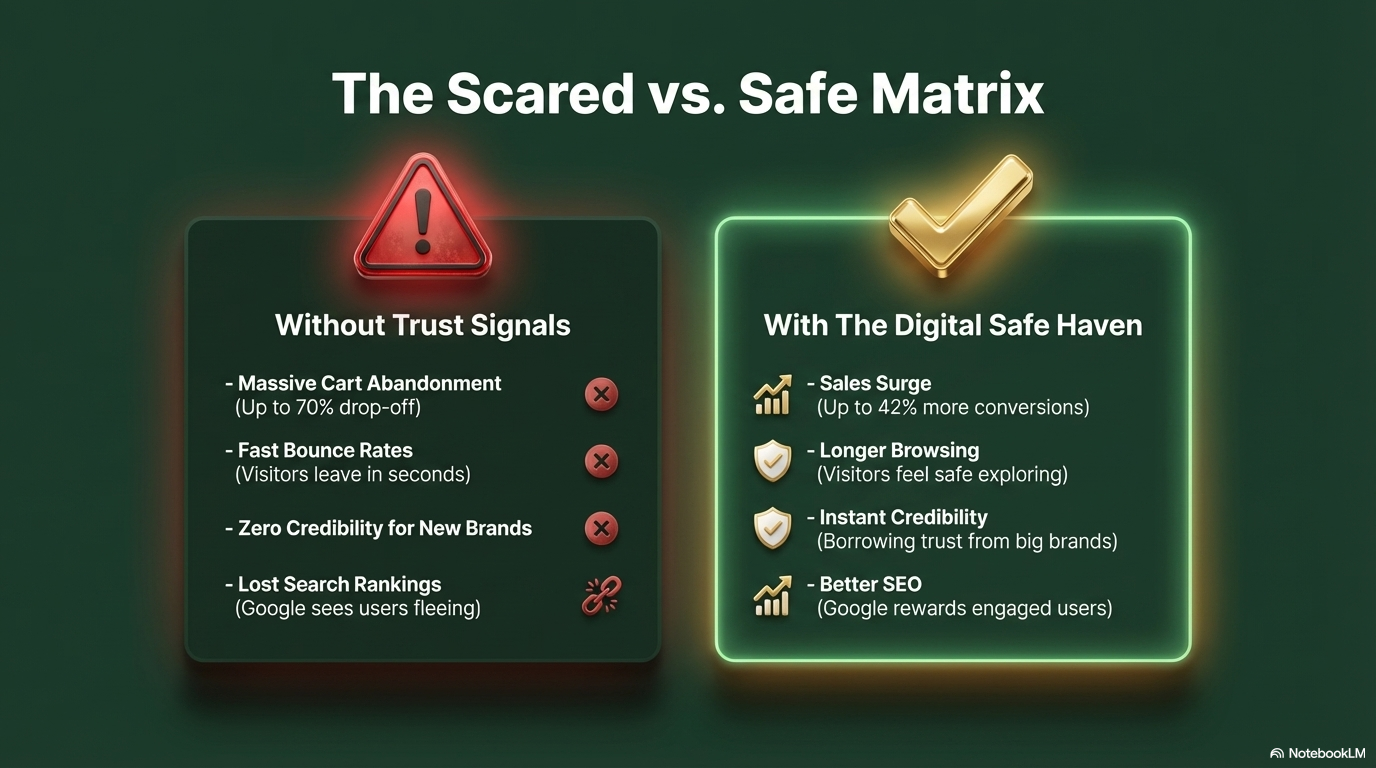
Without trust signals: Massive cart abandonment (70% drop-off), fast bounce rates, zero credibility for new brands, lost search rankings.
With the Digital Safe Haven: Sales surge (up to 42% more conversions), longer browsing, instant borrowed credibility, better SEO from engaged users.
81% of consumers say they must trust a brand before making a purchase.
If you're a new or small brand, you bridge this gap using Trust Transference. By placing recognizable logos (PayPal, Norton, Visa, BBB) on your website, you borrow their multi-billion-dollar reputation.
Their safety becomes your safety.
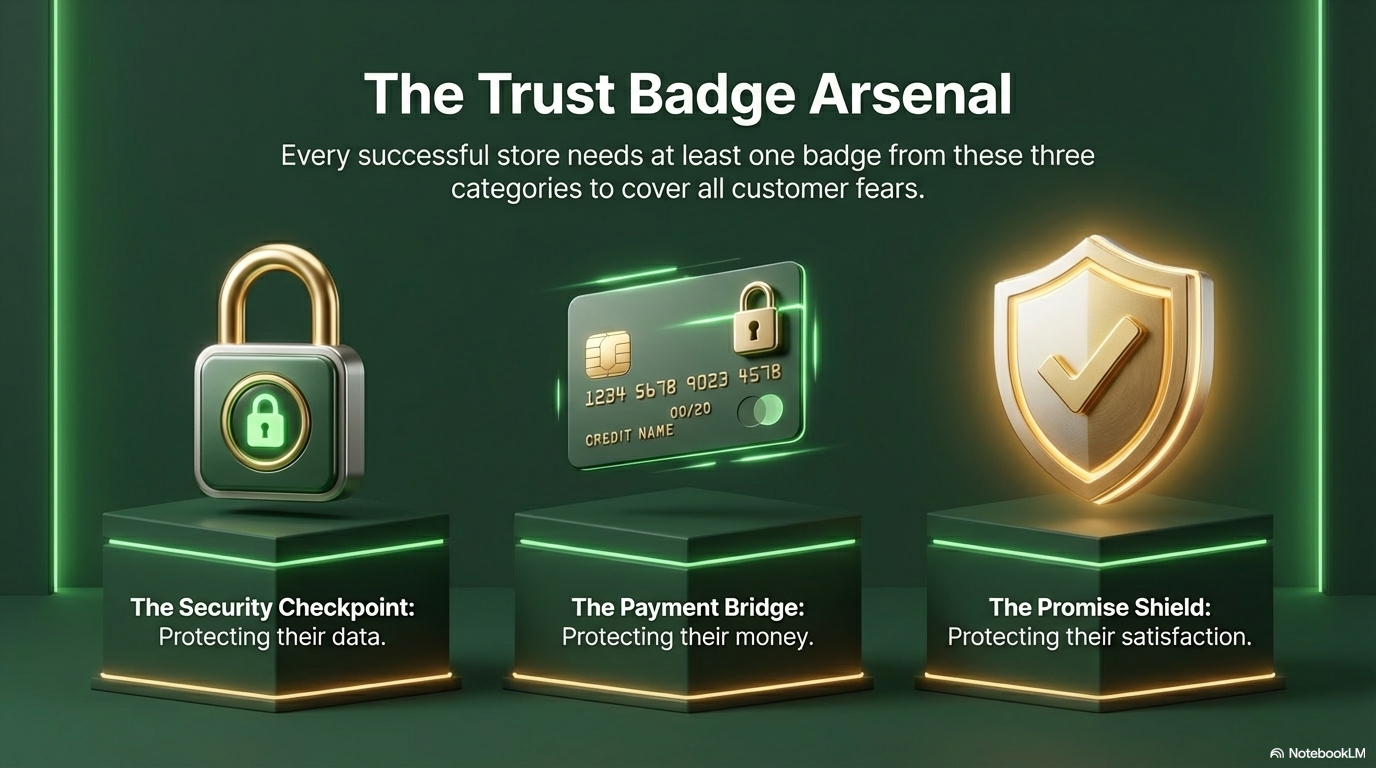
Every successful store needs at least one badge from these three categories:
The Security Checkpoint: Protecting their data (SSL, Norton, TrustedSite).
The Payment Bridge: Protecting their money (Visa, Mastercard, PayPal logos).
The Promise Shield: Protecting their satisfaction (money-back guarantee, free shipping).
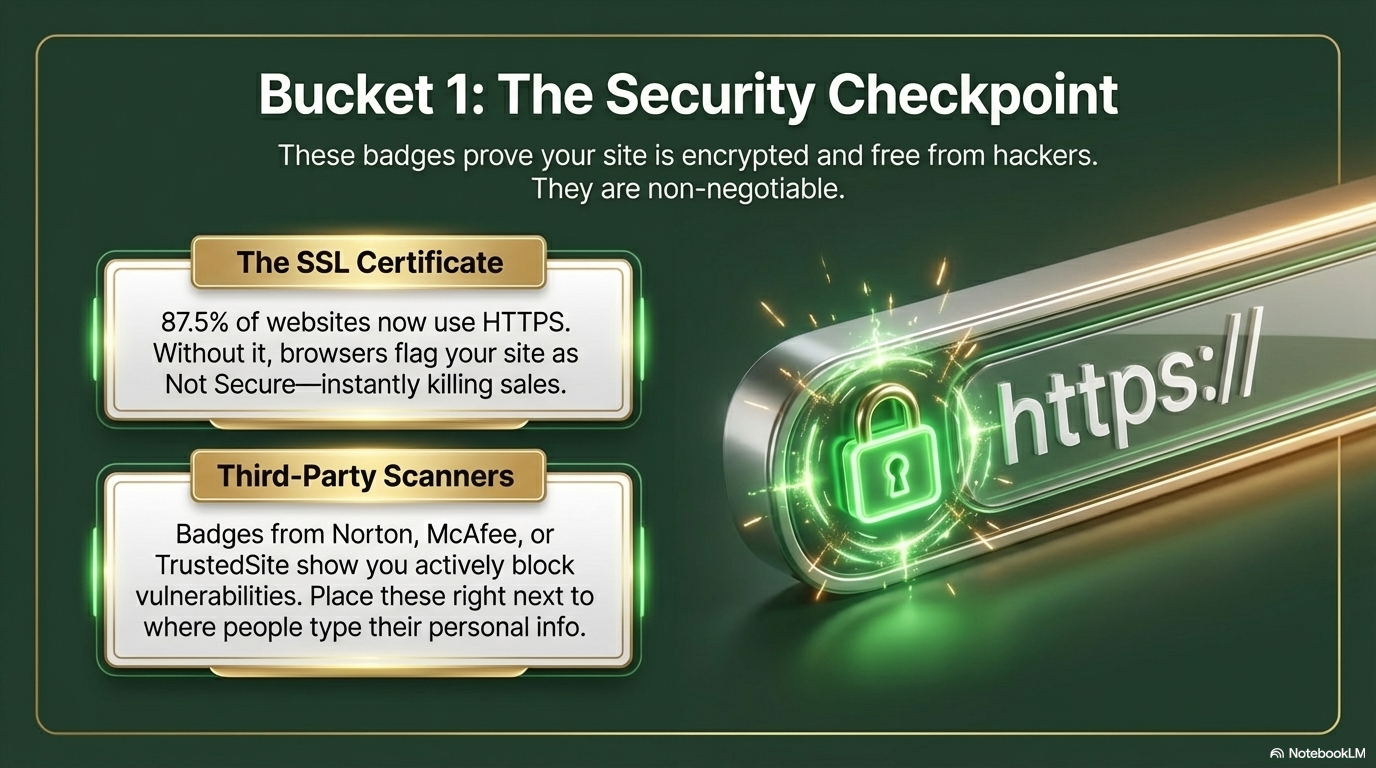
The SSL Certificate: 87.5% of websites now use HTTPS. Without it, browsers flag your site as "Not Secure" — instantly killing sales.
Third-Party Scanners: Badges from Norton, McAfee, or TrustedSite show you actively block vulnerabilities. Place these right next to where people type their personal info.
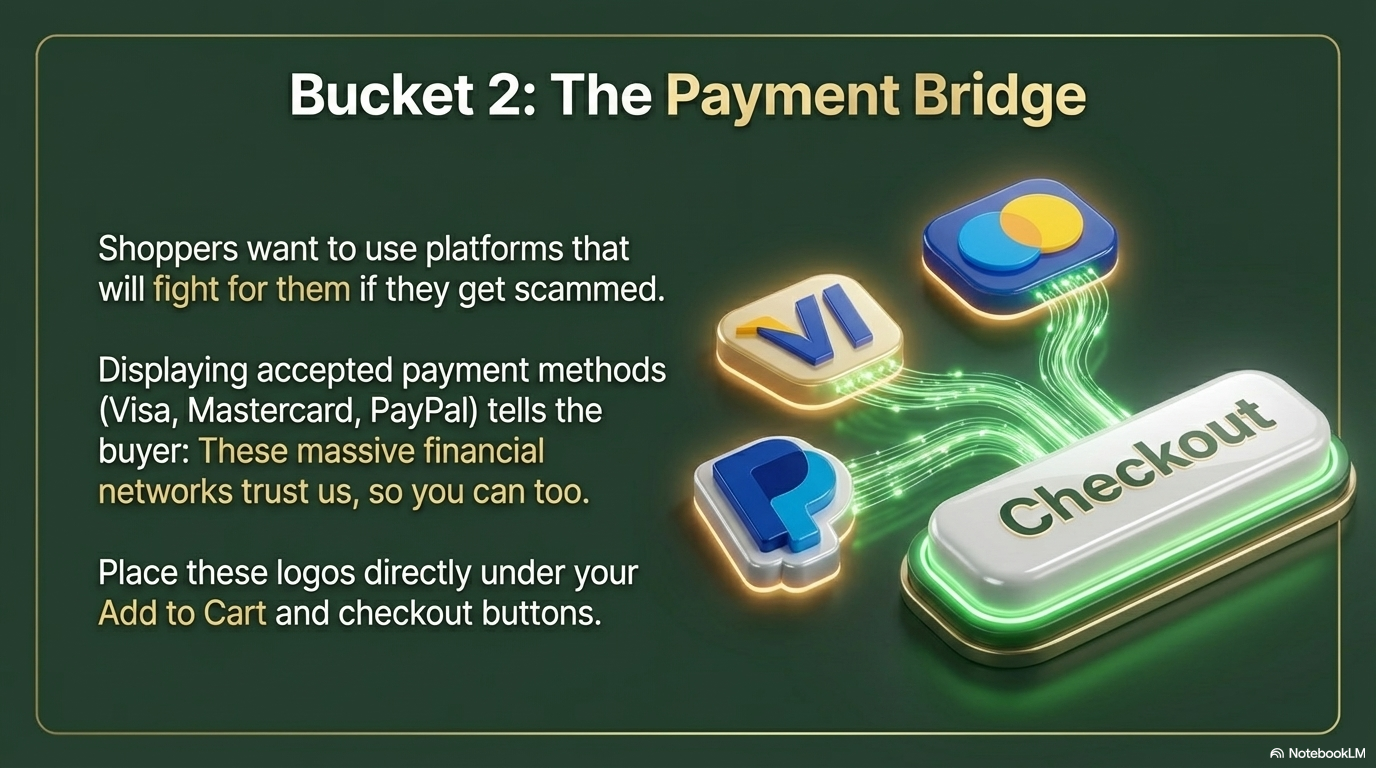
Shoppers want platforms that will fight for them if they get scammed.
Displaying accepted payment methods (Visa, Mastercard, PayPal) tells the buyer: these massive financial networks trust us, so you can too.
Place these logos directly under your Add to Cart and checkout buttons.
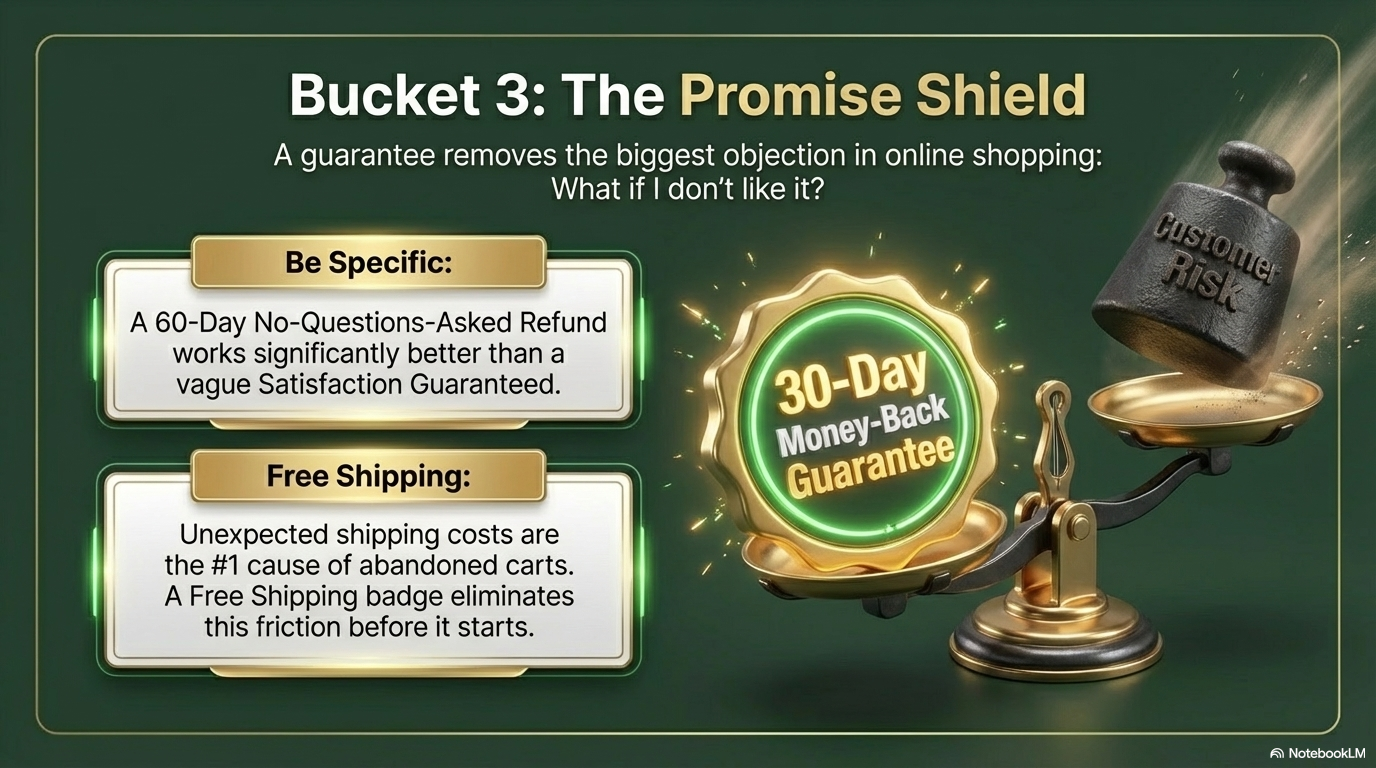
A guarantee removes the biggest objection in online shopping: "What if I don't like it?"
Be Specific: A "60-Day No-Questions-Asked Refund" works significantly better than a vague "Satisfaction Guaranteed."
Free Shipping: Unexpected shipping costs are the #1 cause of abandoned carts. A Free Shipping badge eliminates this friction before it starts.
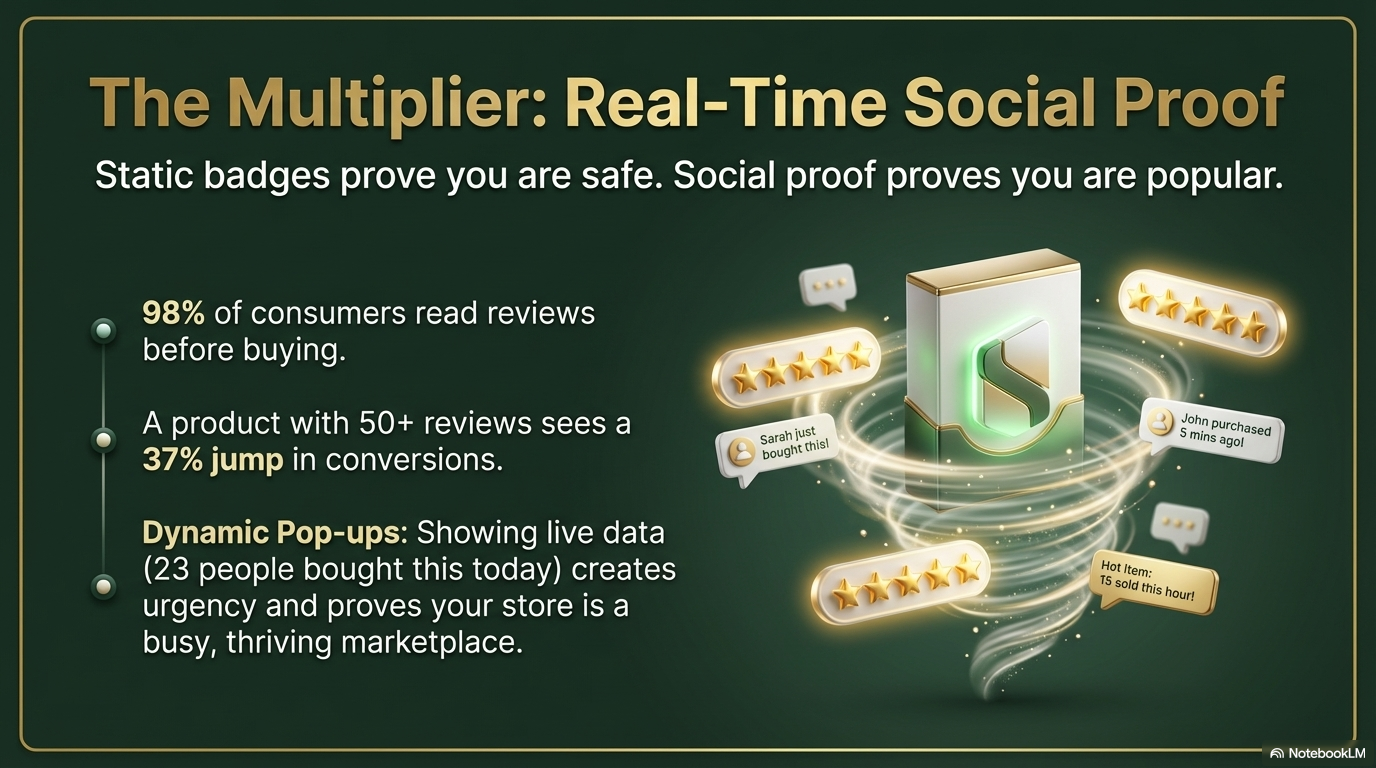
Static badges prove you are safe. Social proof proves you are popular.
98% of consumers read reviews before buying. A product with 50+ reviews sees a 37% jump in conversions.
Dynamic Pop-ups: Showing live data ("23 people bought this today") creates urgency and proves your store is a busy, thriving marketplace.
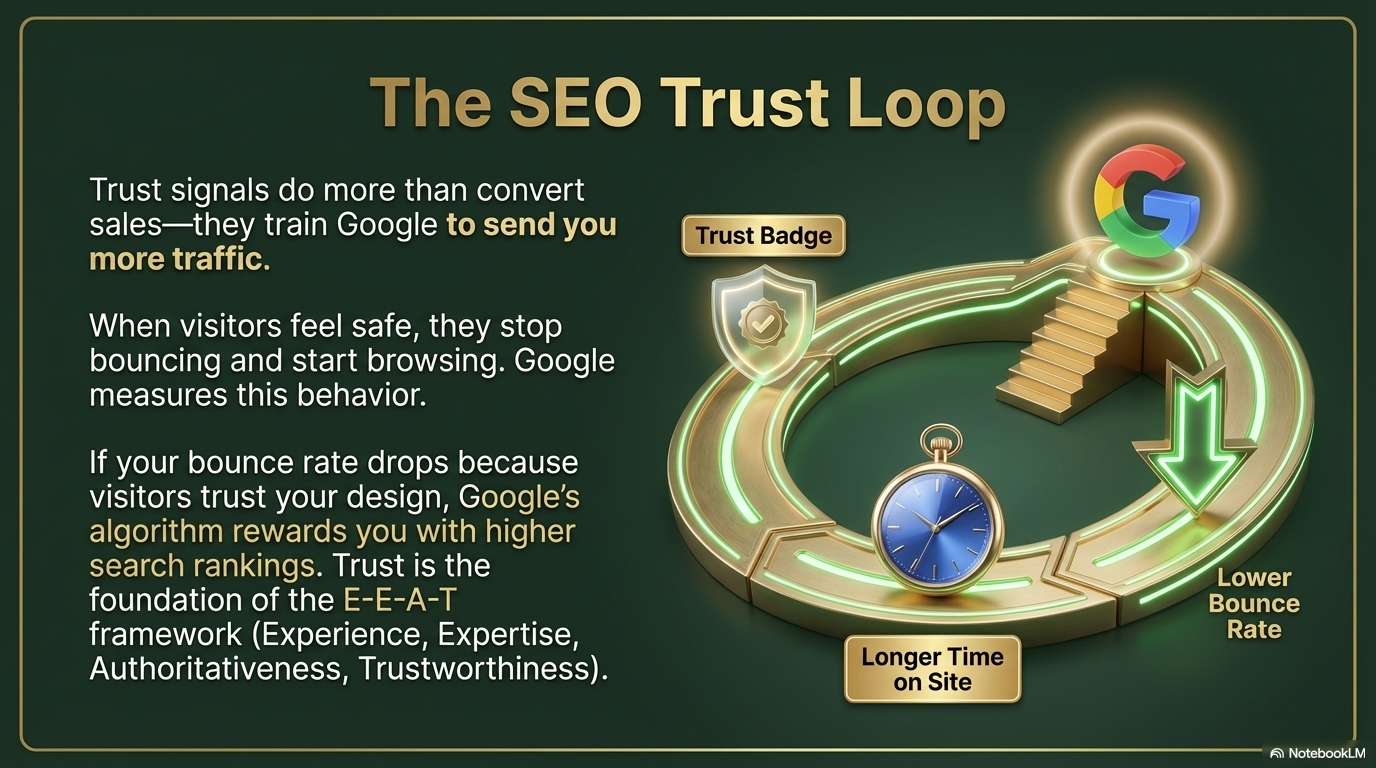
Trust signals do more than convert sales — they train Google to send you more traffic.
When visitors feel safe, they stop bouncing and start browsing. Google measures this behavior. If your bounce rate drops because visitors trust your design, Google's algorithm rewards you with higher search rankings.
Trust is the foundation of the E-E-A-T framework (Experience, Expertise, Authoritativeness, Trustworthiness).
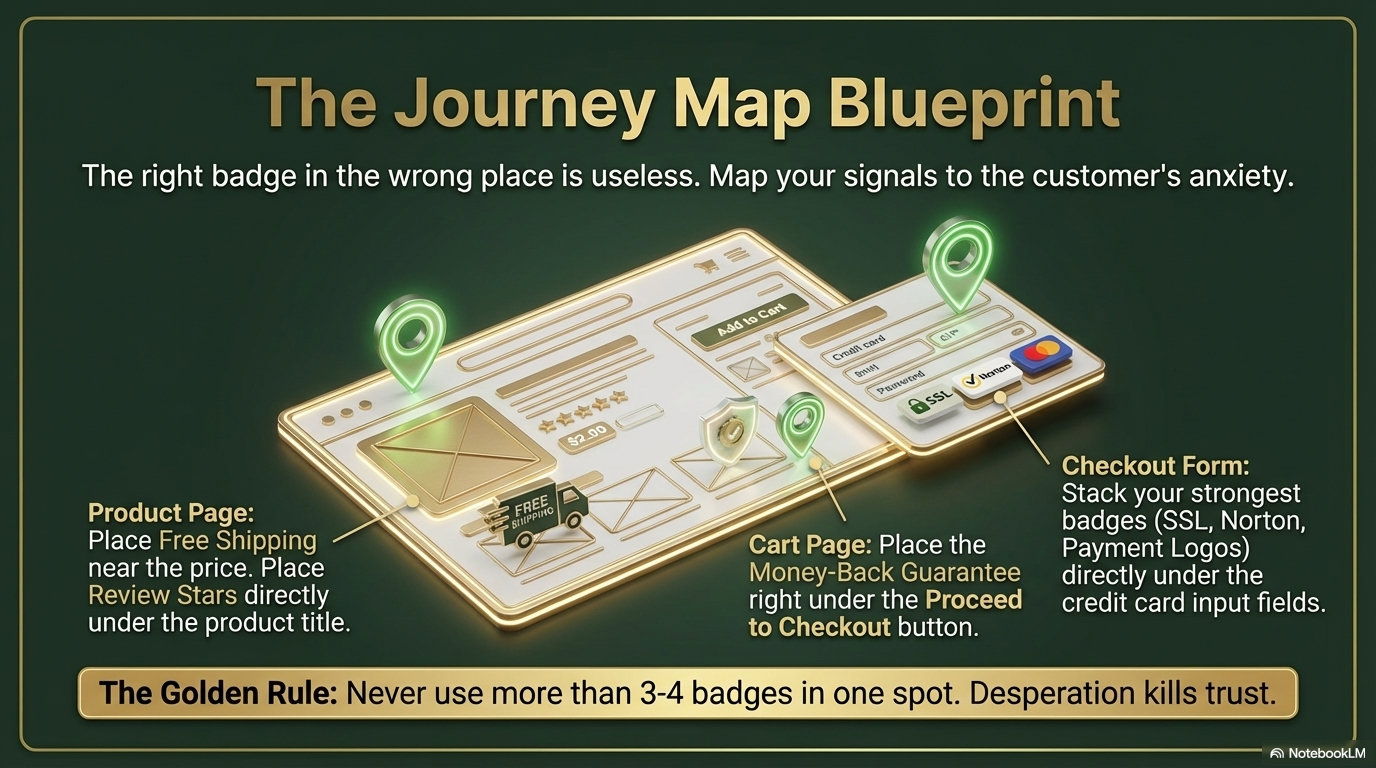
The right badge in the wrong place is useless. Map your signals to the customer's anxiety:
Product Page: Free Shipping near the price. Review Stars under the title.
Cart Page: Money-Back Guarantee right under "Proceed to Checkout."
Checkout Form: Stack your strongest badges (SSL, Norton, Payment Logos) directly under the credit card input fields.
The Golden Rule: Never use more than 3–4 badges in one spot. Desperation kills trust.
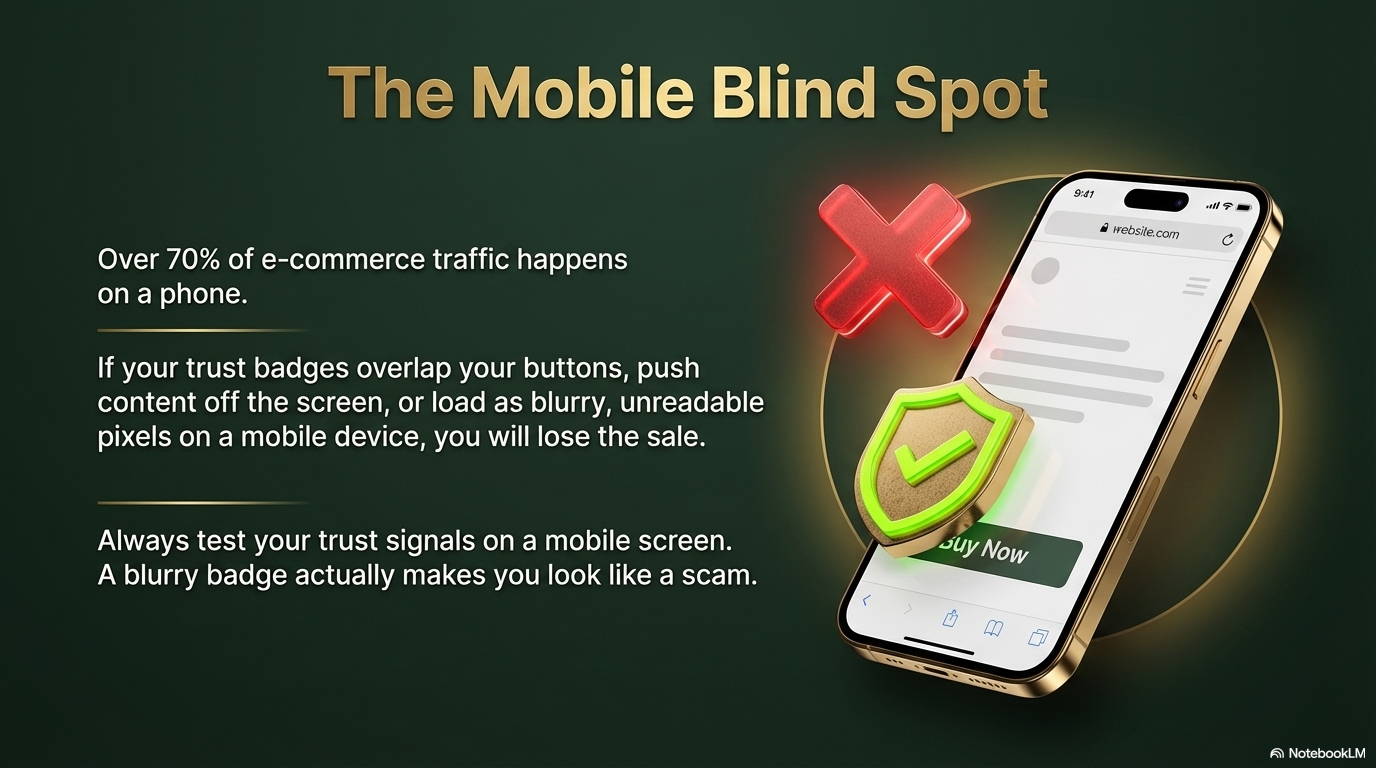
Over 70% of e-commerce traffic happens on a phone. If your trust badges overlap buttons, push content off screen, or load as blurry, unreadable pixels on mobile, you will lose the sale.
Always test your trust signals on a mobile screen. A blurry badge actually makes you look like a scam.
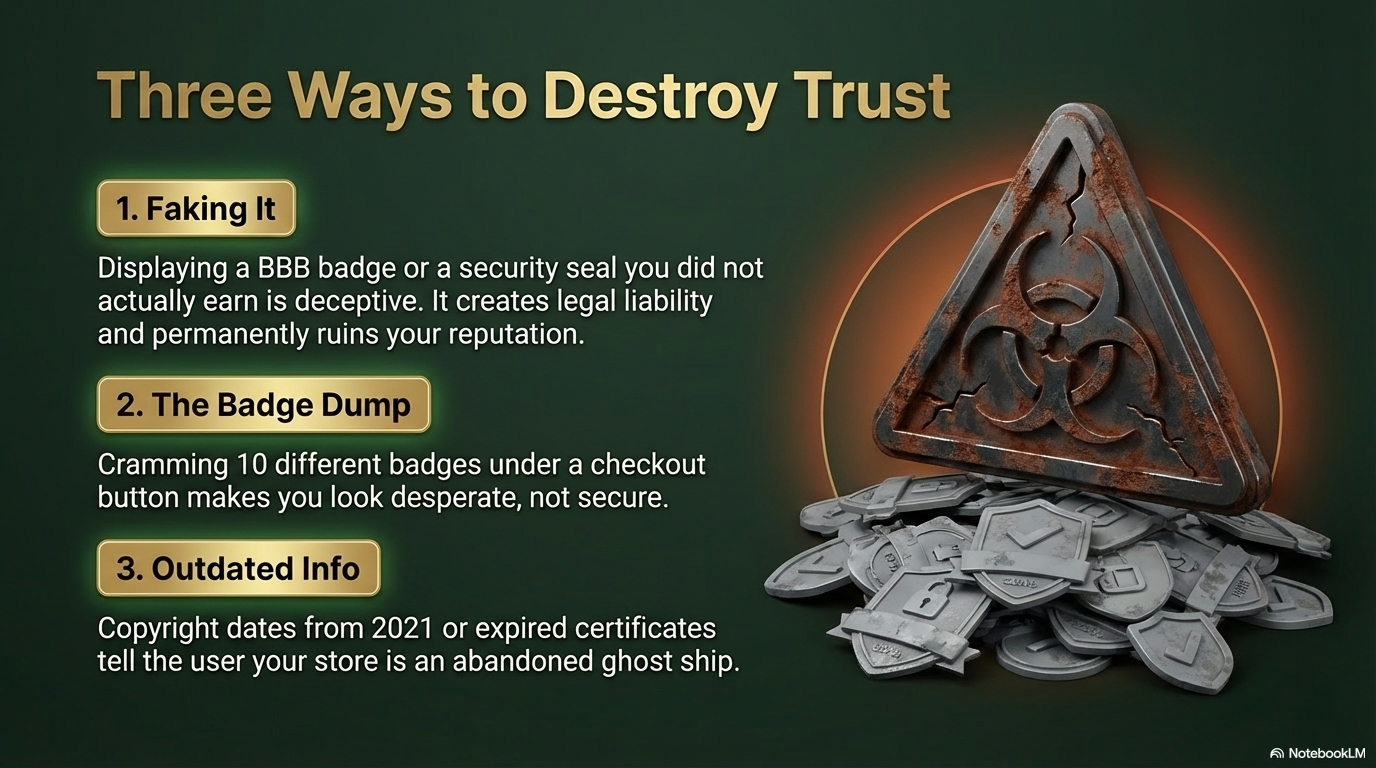
1. Faking It. Displaying a BBB badge or security seal you didn't earn is deceptive. It creates legal liability and permanently ruins your reputation.
2. The Badge Dump. Cramming 10 different badges under a checkout button makes you look desperate, not secure.
3. Outdated Info. Copyright dates from 2021 or expired certificates tell the user your store is an abandoned ghost ship.
In a world where anyone can build a website in minutes, proving you are safe is your greatest competitive edge.
Start with the quick wins:
1. Turn on your SSL certificate.
2. Add familiar payment logos to your footer.
3. Write a clear, specific guarantee.
Protect their peace of mind, and they will grow your bottom line.
What's Your Trust Score?
See how your website measures up across security, speed, mobile, SEO, and more. Get your Diamond Rating — free.
Get My Free Audit